Agents
An agent is an assistant built for a job: its own instructions, the sources it answers from, the tools it may use and the skills it knows. Admins and managers build them under Agents.
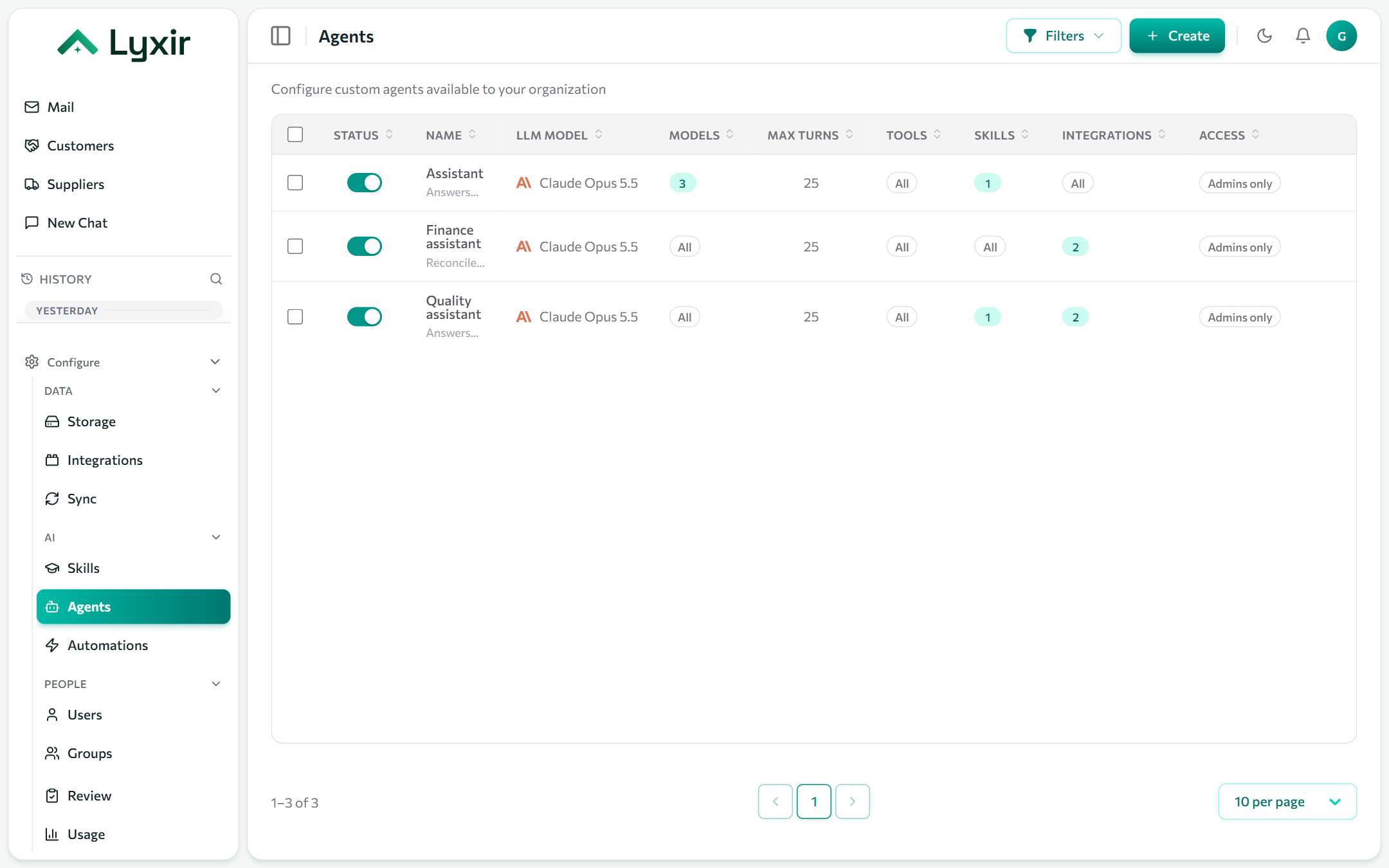
Creating an agent
- Agents → Create.
- Fill in the form (below), or describe what you want to the builder assistant (the ✦ button, bottom right): it drafts the form from your integrations, skills and tools.
- Save. It appears in the chat's agent picker for the people allowed it.
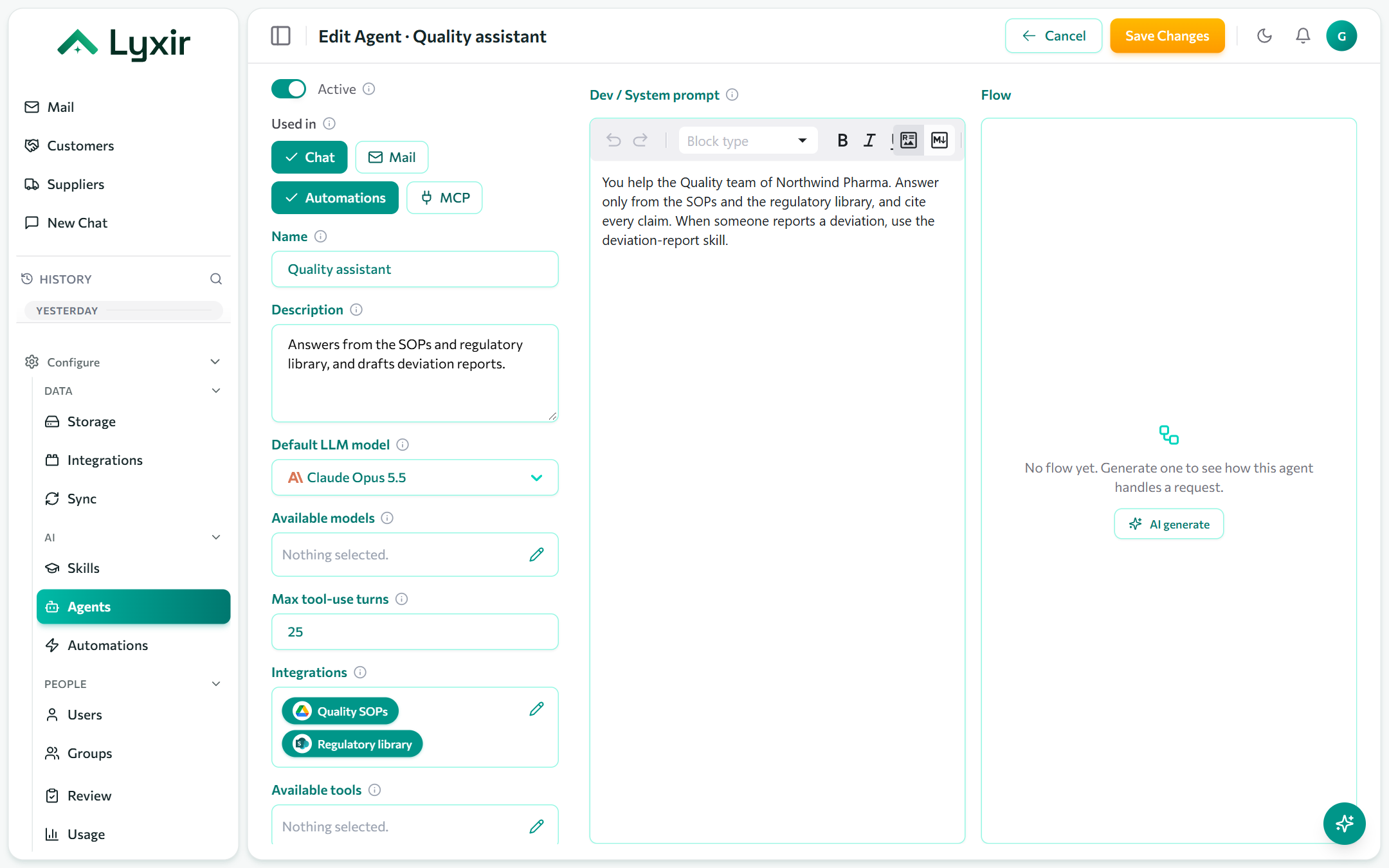
The form
| Field | What it does |
|---|---|
| Active | Off hides the agent from everyone without deleting it: for drafts, or to retire one. |
| Used in | Where it can be picked: Chat, Mail (drafting replies), Automations, and MCP (AI apps such as Claude Desktop, where every question uses credits). |
| Name / Description | Shown in the agent picker. Say what it is for, so people pick the right one. |
| Default LLM model | The model it uses unless the person picks another. |
| Available models | The models people may switch to in chat. Empty offers every model. |
| Max tool-use turns | How many tool steps it may take before it must answer. Lower is faster and cheaper; raise it for tasks with much back and forth. |
| Integrations | The connections it works with: it searches the ones that bring knowledge, and its tools come only from these. Empty: all of them. |
| Available tools | What it may do besides searching: web search, reading web pages, writing PDFs, and the tools of its integrations (search a mailbox, query a database, send an email). Searching its knowledge is always on. |
| Skills | Ready-made instructions it loads when a task calls for one. See Skills. |
| Sub-agents | Other agents it may hand a self-contained task to. Each runs with its own instructions and sources, and only for people allowed to use it directly. |
| System prompt | The instructions: its role, tone, what to do and what never to do. Markdown. |
| Flow | AI generate draws a chart of how the agent handles a request, from what you saved: a quick check that it does what you meant. |
:::tip Writing instructions that work
- Say who it helps and what with: "You help the Quality team…".
- Say where answers must come from, and to cite them.
- Name the skills to use for which requests.
- Say what to do when it can't find an answer: ask, or say so. :::
Tools that change things
An integration's actions (send an email, post to Slack, create a file) appear under Available tools once they are switched on in that connection's Agents section. Every action waits for a person in Review before anything happens.
Who can use an agent
Access is set outside the agent:
- Users page: Agents for all users, and agents for one person. See Users.
- Groups page: agents for each group's members. See Groups and modules.
- Admins can always use every agent.