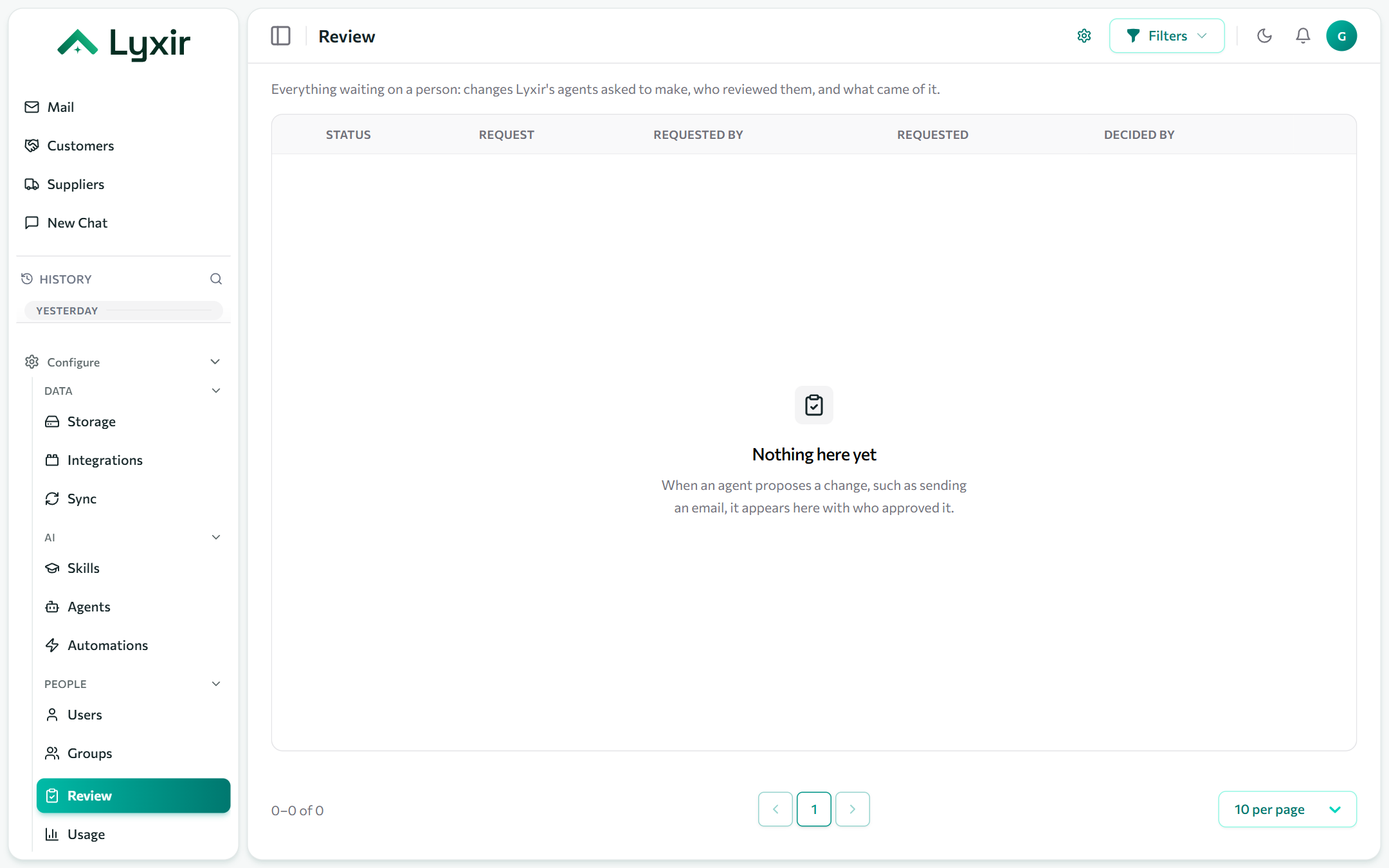
Review
Agents never change anything on their own. When one wants to send an email, post a message, create a file or call an API, it proposes it, and the proposal waits in Review until people approve it. Review is also the record of every decision and what came of it.
How a request is approved
- The person who asked confirms it. In chat, the answer stops on a card showing exactly what will happen; Confirm sends it on. Writing something else instead withdraws it.
- Any approvals your rules add, in order: a named person, anyone in a group, or any other admin.
- When the last step approves, it runs, and the outcome (or the error) is recorded.
Chat apps such as Slack have no card: their answer links to the Review page. Steps nobody decides expire after three days.
When an action produces a new password (a password reset in Microsoft 365 or Google Workspace), only the person who asked for it can see it. Their card shows Reveal password once the reset is done, and shows the password a single time. It never appears in the chat or the action's record, and it is erased after 24 hours if nobody reveals it.
Approval rules
Admins add rules on the Review page: for each action (sending email from a mailbox, posting to a channel), the approvals it needs on top of the requester's own. With no rule, the requester's confirmation is enough.
Actions only exist once a connection offers them: switch them on in its Agents section, for example Agents may send email on a mailbox.