Skills
A skill is a set of instructions for one kind of task, such as drafting a deviation report or reconciling an invoice, that an agent loads only when a request calls for it. One skill can serve many agents, and keeps their long procedures out of every prompt.
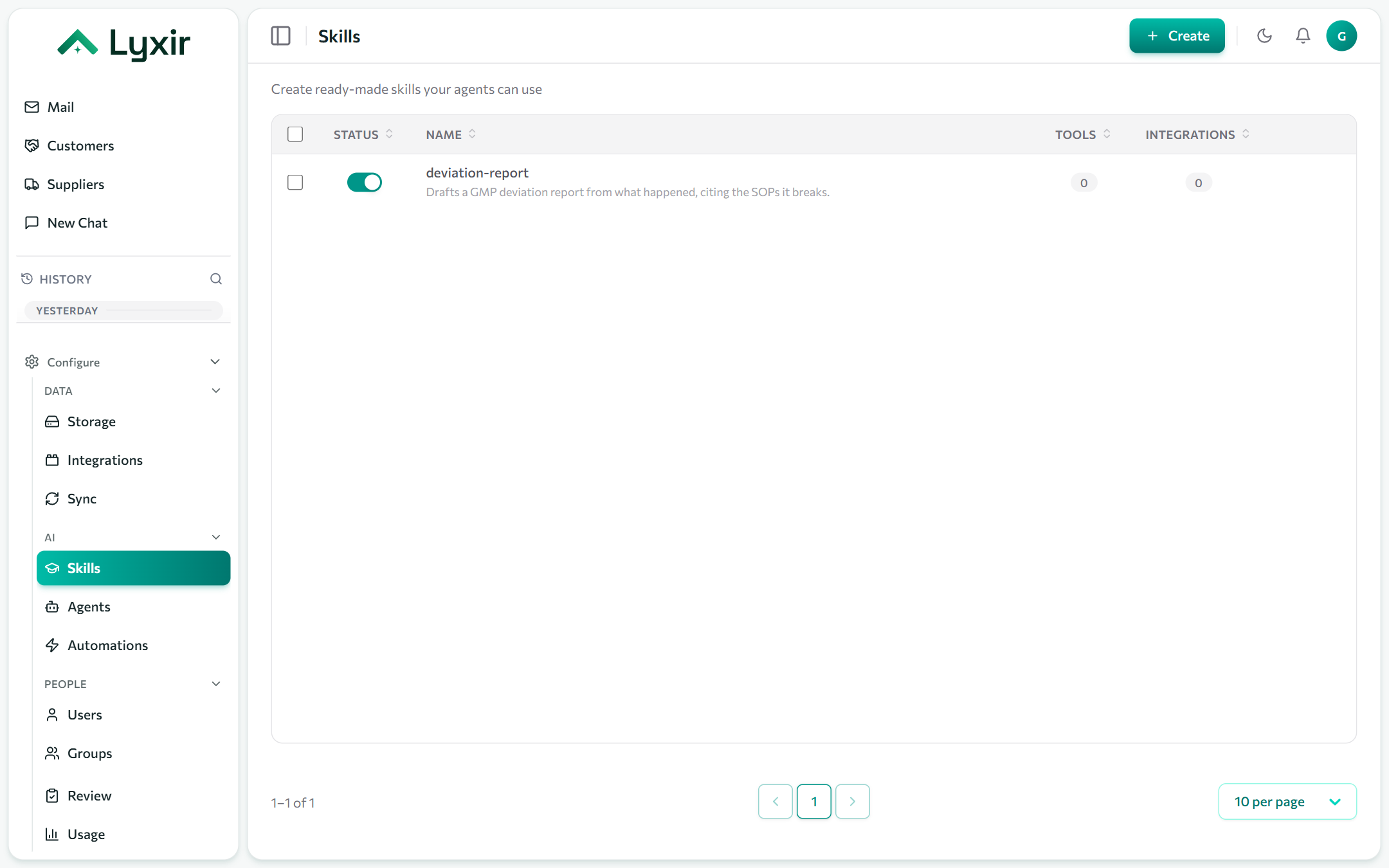
Creating a skill
- Skills → Create.
- Fill in the form, or ask the builder assistant (✦) to draft it.
- Save, then add it to agents under Skills in the agent editor.
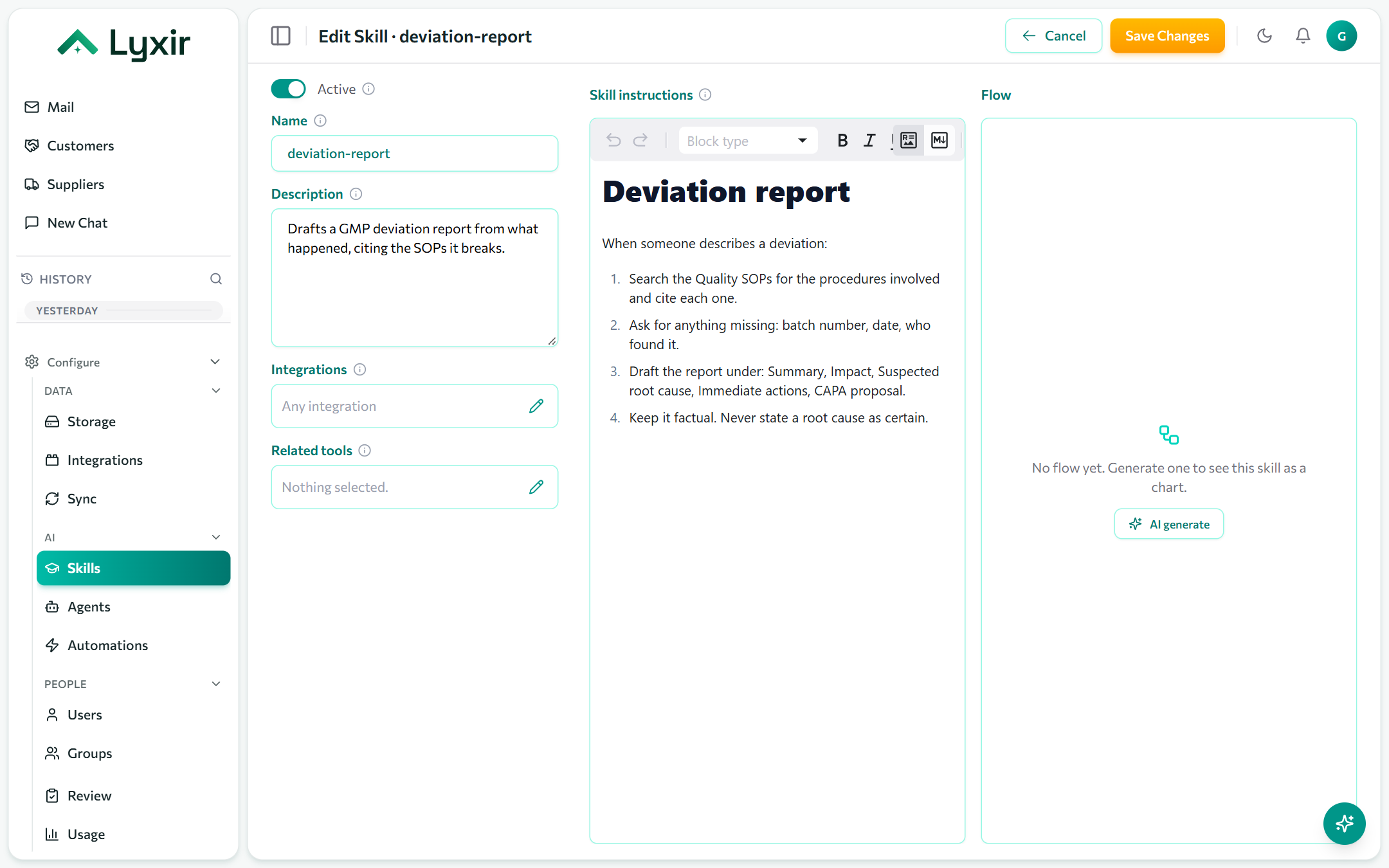
The form
| Field | What it does |
|---|---|
| Active | Off hides it from the agent builder and stops offering it to agents. |
| Name | Its identifier: lowercase letters, digits, - and _ (deviation-report). Agents and prompts refer to it by this name. |
| Description | A clear use this when… line. It is all an agent sees before deciding to load the skill, so make it a trigger, not a slogan. |
| Integrations | The integrations it works with. Empty: any. |
| Tools | The tools it relies on, from those integrations. The agent builder warns when an agent has the skill but not its tools. |
| Content | The instructions themselves, in Markdown: steps, headings to write under, rules. |
:::tip A good description ❌ "Our best-in-class deviation assistant."
✅ "Drafts a GMP deviation report from what happened, citing the SOPs it breaks." :::
Skills in automations
An automation can run a skill instead of written instructions: the skill carries the task, and the automation says when and for whom. See Automations.