Chat
Ask your agents anything, in the web app, in Slack or Teams, or by email. Answers come from your workspace's knowledge, with a citation for every claim.
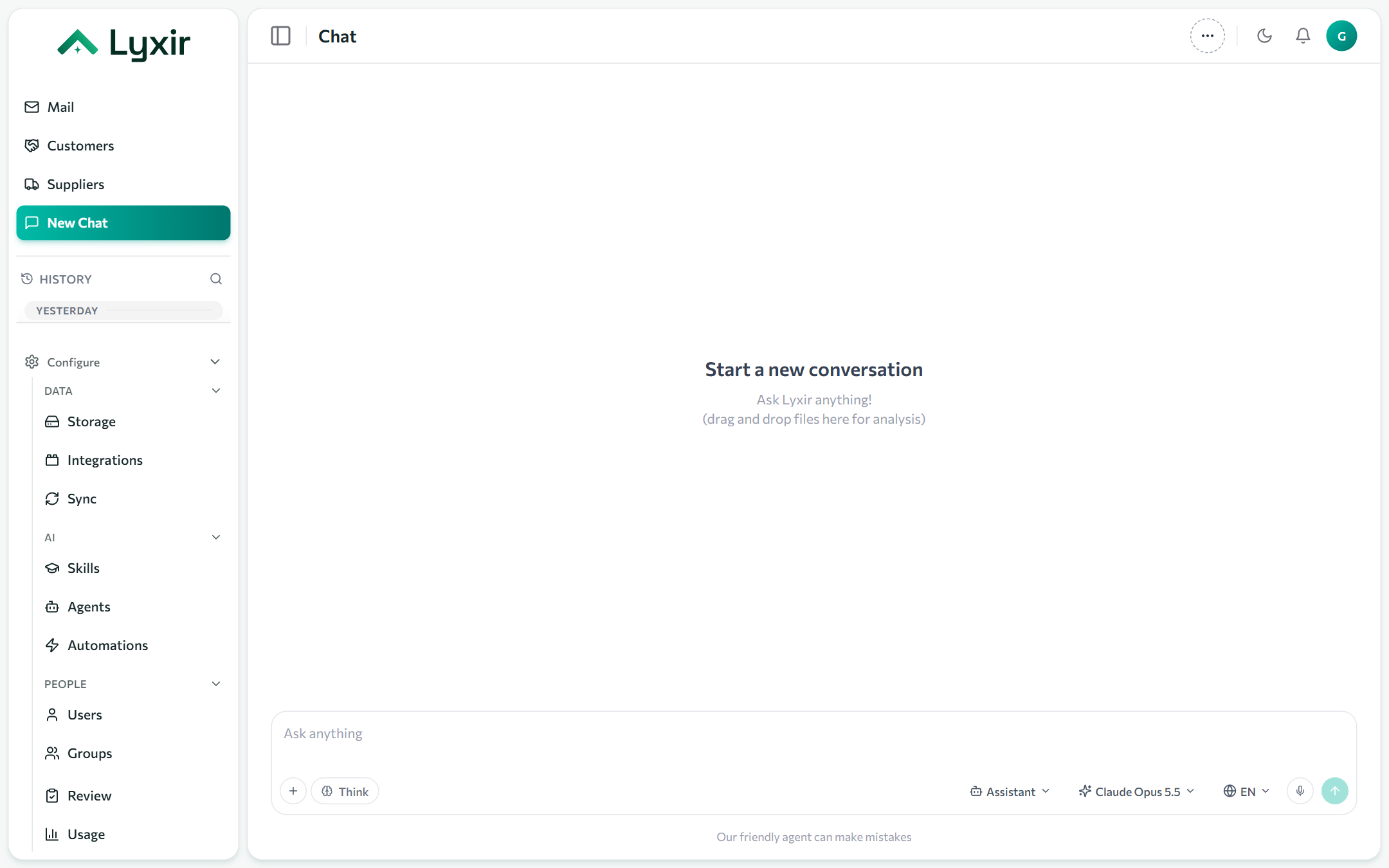
Asking a question
Open New Chat, type your question and press Enter. Below the box:
| Control | What it does |
|---|---|
| + | Attach files or folders: PDF, Word, Excel, images, CSV and more. You can also drag them onto the chat. |
| Think | Shows the model's reasoning as it works, before the answer. |
| Agent | Which agent answers. Assistant is the general one; you see only the agents you may use. Make my default on this device keeps one picked. |
| Model | The model the agent uses, from the ones it offers. |
| Language | The language of the answer. |
| Microphone | Dictate instead of typing. |
Citations
Every claim in an answer is linked to the passage it came from. Click a citation to open the document at that spot; a PDF opens on the right page. Agents only find what you may see: a file shared with you in Drive, mail you were on, documents of your groups.
Attachments
Files attached to a chat are read by that chat's agent only: no other chat or person finds them. The Files panel lists them; remove one there.
History
History in the sidebar lists your conversations, newest first. Search them with the magnifier; rename or delete one from its menu. Conversations started by an automation in your name are here too.
When an agent wants to do something
If an agent proposes a change (send an email, post in Slack, create a file), the answer stops on a card showing exactly what it will do. Confirm sends it on to any approvals it needs; writing something else instead withdraws it. See Review.
Chat outside the web app
| Where | How |
|---|---|
| Slack | Direct-message the app, or mention it in a channel. See Slack. |
| Microsoft Teams | Chat with the app, or mention it in a channel or group chat. See Microsoft Teams. |
| Write to an inbox an agent answers. See Email (IMAP/SMTP). | |
| Claude and other AI apps | With the MCP module, connect them with an access token from your settings. See Groups and modules. |
The Chat module must be on for you (see Groups and modules).