Integrations
An integration is a service your workspace can connect to; a connection is one configured instance of it. You can have any number of connections per integration: a mailbox per team, a Drive per department, two Slack workspaces.
 Email (IMAP/SMTP)
 Google Gmail
 Gmail (personal)
 Microsoft Outlook
 Outlook (personal)
 Google Drive
 Google Drive (personal)
 Microsoft OneDrive
 OneDrive (personal)
 Microsoft SharePoint
 Microsoft 365
 Google Workspace
 Storage
 Slack
 Microsoft Teams
 SQL Database
 HTTP API
 Webhook
 AADE myDATA
 myDATA for accounting offices
 Chat attachments
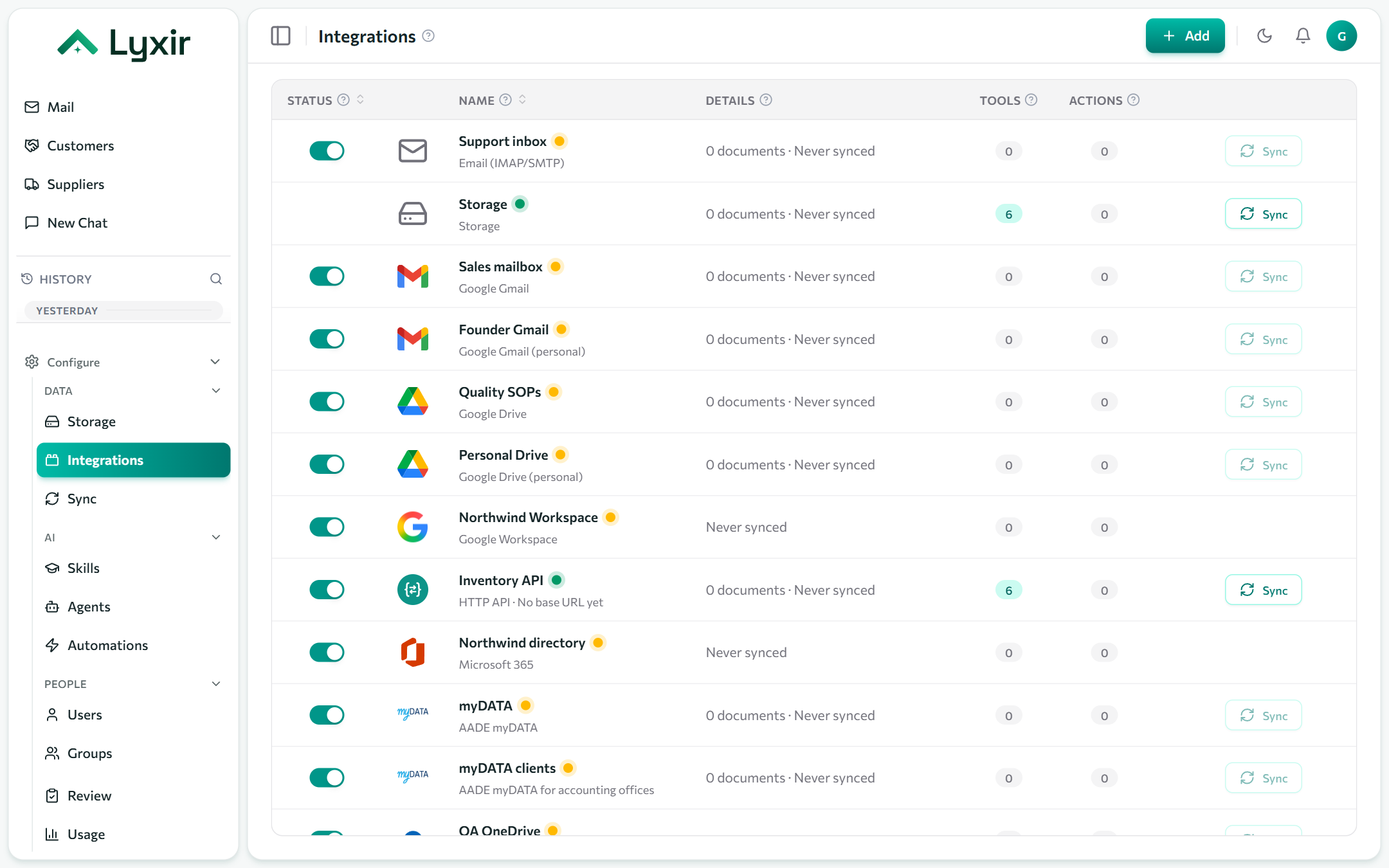
Adding a connection
-
Open Integrations in the sidebar (admins only) and click Add.
-
Pick the integration. Search by name, or filter by category.
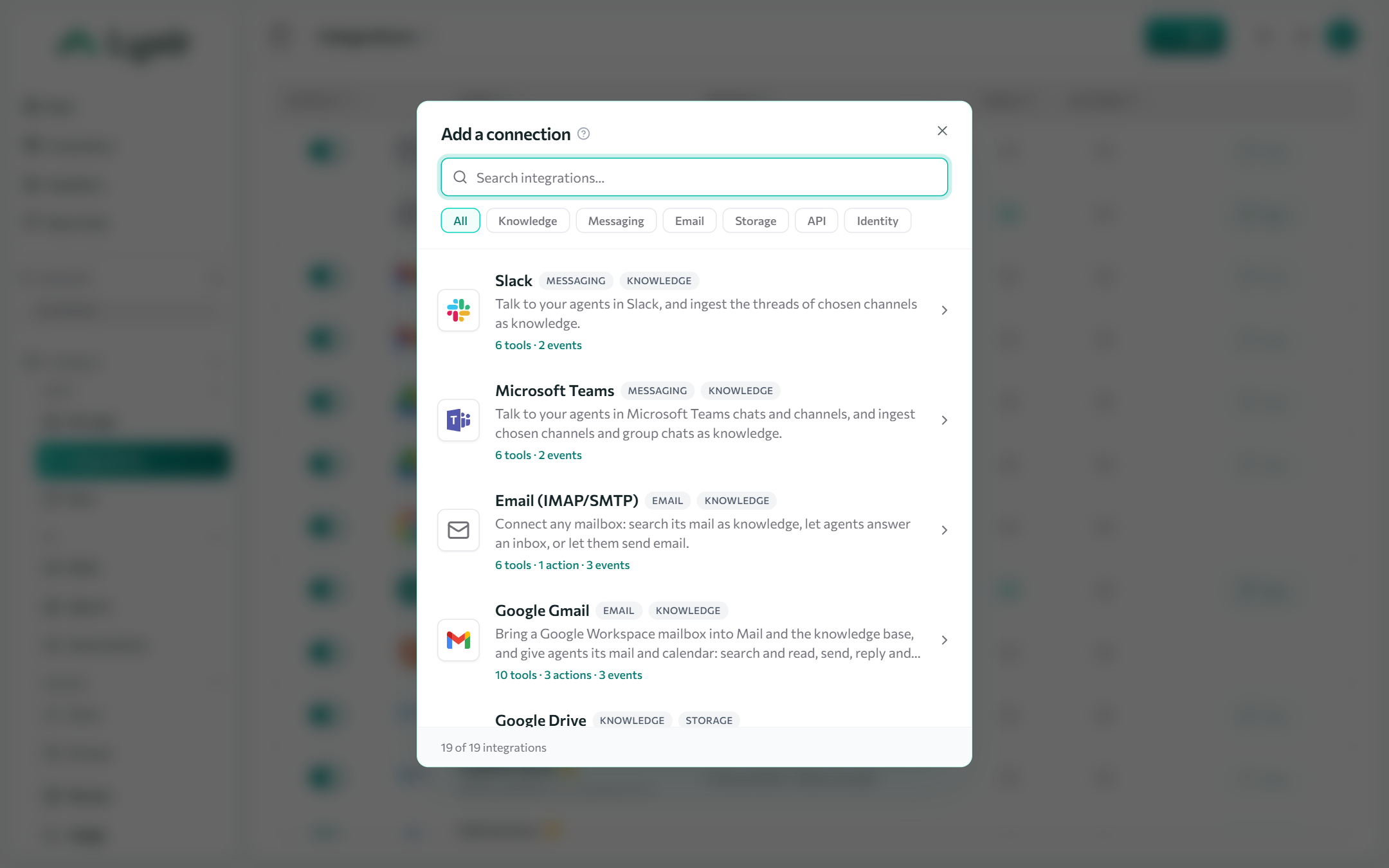
-
Sign in or fill in its form:
- Connect with Google / Microsoft / Slack: you are sent to the provider to approve access, then back to the connection.
- A form: credentials (passwords, keys, secrets) and settings. Secrets are encrypted and never shown again; leave them as they are when editing to keep them.
-
Click Test to check the credentials and that the service answers.
-
Choose what it brings in and what agents may do with it, then Save.
Each connection gets a source key such as google-gmail-71, shown under
its name. Agents use it to search that connection alone, and you can name it in
an agent's instructions or a skill. Renaming the connection never changes it.
What a connection can give
| Capability | What it means |
|---|---|
| Knowledge | Documents it brings in (files, mail, threads, rows, invoices), searched by agents with citations. |
| Messaging | People talk to agents there (Slack, Teams, an inbox the agent answers). |
| A mailbox the Mail module reads and answers from. | |
| Tools | Read-only lookups an agent can call (search a mailbox, query a database, call an API). |
| Actions | Changes an agent can propose (send an email, post a message, create a file). Each waits for a person to approve it in Review. |
Tools and actions are switched on per connection, then granted to an agent in the agent builder, under Tools.
All integrations
| Integration | Knowledge | Talk to agents | Agent tools and actions | |
|---|---|---|---|---|
| Email (IMAP/SMTP) | ✓ | answers an inbox | ✓ | send email |
| Google Gmail | ✓ | ✓ | read mail and calendar, send, reply, create events | |
| Google Gmail (personal) | ✓ | ✓ | read mail and calendar, send, reply, create events | |
| Microsoft Outlook | ✓ | ✓ | read mail and calendar, send, reply, create events | |
| Microsoft Outlook (personal) | ✓ | ✓ | read mail and calendar, send, reply, create events | |
| Google Drive | ✓ | list folders; create, change and delete files | ||
| Google Drive (personal) | ✓ | list folders; create, change and delete files | ||
| Microsoft OneDrive | ✓ | list folders; create, change and delete files | ||
| Microsoft OneDrive (personal) | ✓ | list folders; create, change and delete files | ||
| Microsoft SharePoint | ✓ | list folders; create, change and delete files | ||
| Microsoft 365 | look up people; suspend, sign out, reset passwords, groups, licenses | |||
| Google Workspace | look up people; suspend, sign out, reset passwords, groups, licenses | |||
| Storage | ✓ | create, change and delete files | ||
| Slack | ✓ | ✓ | post messages | |
| Microsoft Teams | ✓ | ✓ | ||
| SQL Database | ✓ | read-only SQL | ||
| HTTP API | ✓ | call endpoints | ||
| Webhook | starts automations | send calls | ||
| AADE myDATA | ✓ | ΑΦΜ lookups, expense classification | ||
| AADE myDATA for accounting offices | ✓ | ΑΦΜ lookups, expense classification |
Some integrations are offered only to workspaces in certain industries, so your list may be shorter.