 Storage
Files and folders uploaded on the Storage page. Every workspace has this connection already: there is nothing to connect.
Uploading
Open Storage, then upload files or whole folders. Each is indexed as it arrives, and agents can search it at once.
Settings
| Setting | What it does |
|---|---|
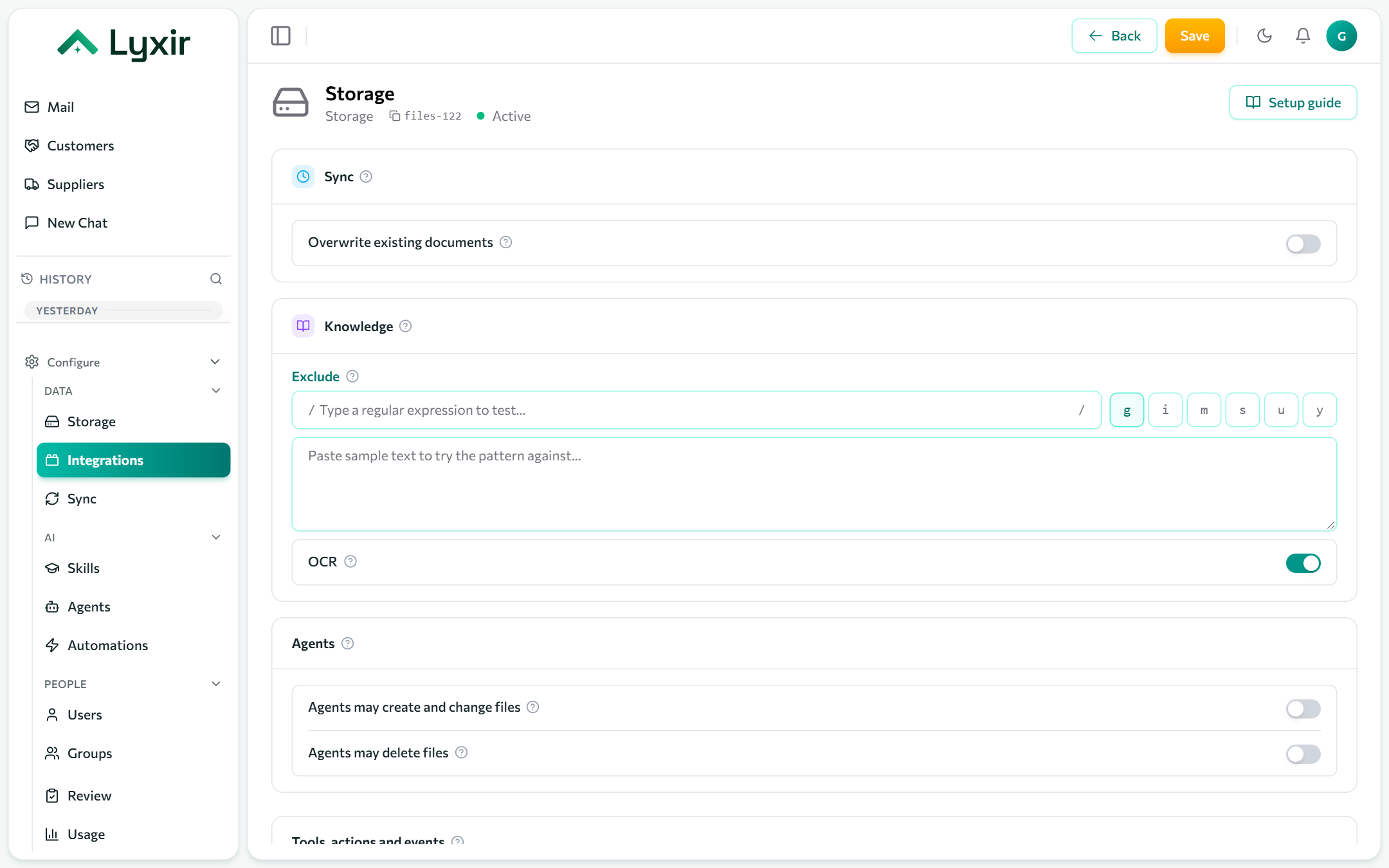
| Exclude | Uploaded files whose name matches are kept but not indexed, so agents never see them. |
| OCR | Read scanned pages and images, billed per page read. |
Sync
Storage needs no schedule: files are indexed as they are uploaded. Sync on the connection re-checks every file by hand. Turn on Overwrite existing documents first to re-read all of them, for example after switching on OCR, then turn it off again: such a sync costs as much as indexing everything anew.
What agents may do
| Switch | Gives agents |
|---|---|
| Agents may create and change files | Proposed new folders and text files, content replacements, renames and moves. Each runs with the rights of the person who asked, once they confirm it. |
| Agents may delete files | Proposed deletions of files and folders, for good. Each runs with the rights of the person who asked, once they confirm it. |