 Google Gmail
Bring a Google Workspace mailbox into Mail and the knowledge base, and give agents its mail and calendar: search and read, send, reply and schedule.
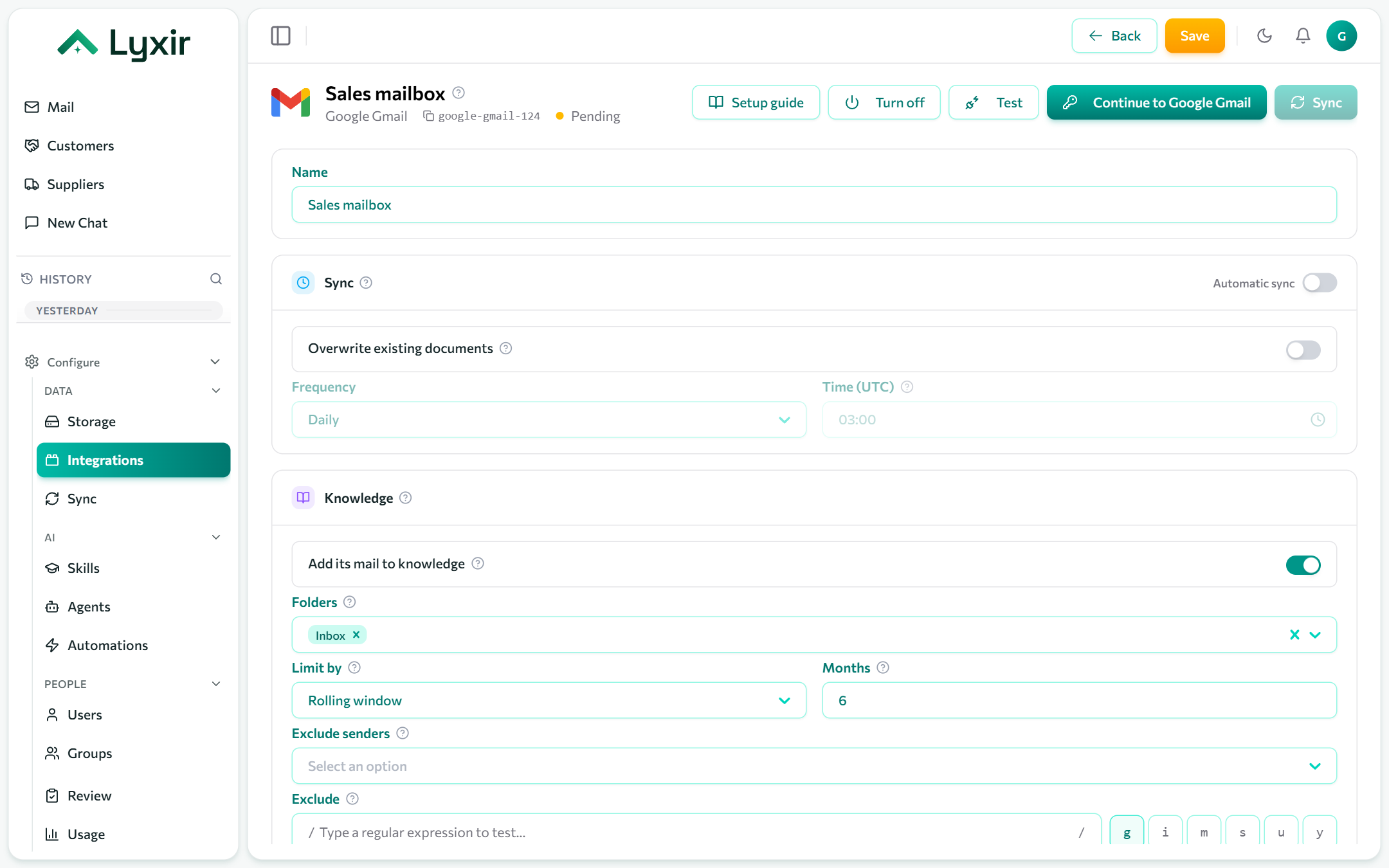
For a personal @gmail.com account, use
Google Gmail (personal).
Connect with Google
- Integrations → Add → Google Gmail.
- Click Connect with Google and sign in as the mailbox's user.
- Approve the access Google asks for. You come back to the connection.
- Choose the mail settings below and Save.
To connect another person's mailbox, they sign in themselves, or use a service account.
Or: a service account
For an admin connecting mailboxes without each person signing in. The service account acts as one user of your domain through domain-wide delegation.
-
Google Cloud console → APIs & Services: enable the Gmail API (and the Google Calendar API, for agents) in a project.
-
IAM & Admin → Service accounts → Create service account, then Keys → Add key → JSON. A
.jsonkey file downloads. -
Google Admin console → Security → Access and data control → API controls → Manage domain-wide delegation → Add new: the service account's client ID, with these scopes:
https://www.googleapis.com/auth/gmail.readonly,https://www.googleapis.com/auth/gmail.send,https://www.googleapis.com/auth/calendar.events,https://www.googleapis.com/auth/calendar.freebusy -
On the connection, open Service account and paste:
- Service account key (JSON): the whole key file, braces included.
- Impersonate user: whose mailbox to read, e.g.
anna@yourcompany.com.
-
Save, then Test.
Mail and knowledge
Show in Mail, classes, folders (Gmail labels by name, as Gmail shows them; Inbox by default), how far back to read, readers and attachments: see Mailboxes.
What agents may do
| Switch | Gives agents |
|---|---|
| Agents may read mail and calendar | Tools to search and read the mailbox, list its calendar and check availability. Anyone using an agent given these tools reads this mailbox. |
| Agents may send email | Proposed emails and replies, each sent once a person approves it. |
| Agents may create events | Proposed calendar events, each created once a person approves it. |