 HTTP API
Connect any REST API: build a collection of requests, as in Postman, or import one. Give requests to agents as tools (reads) or actions (writes, approved by a person), and ingest an endpoint's records as knowledge.
Set it up
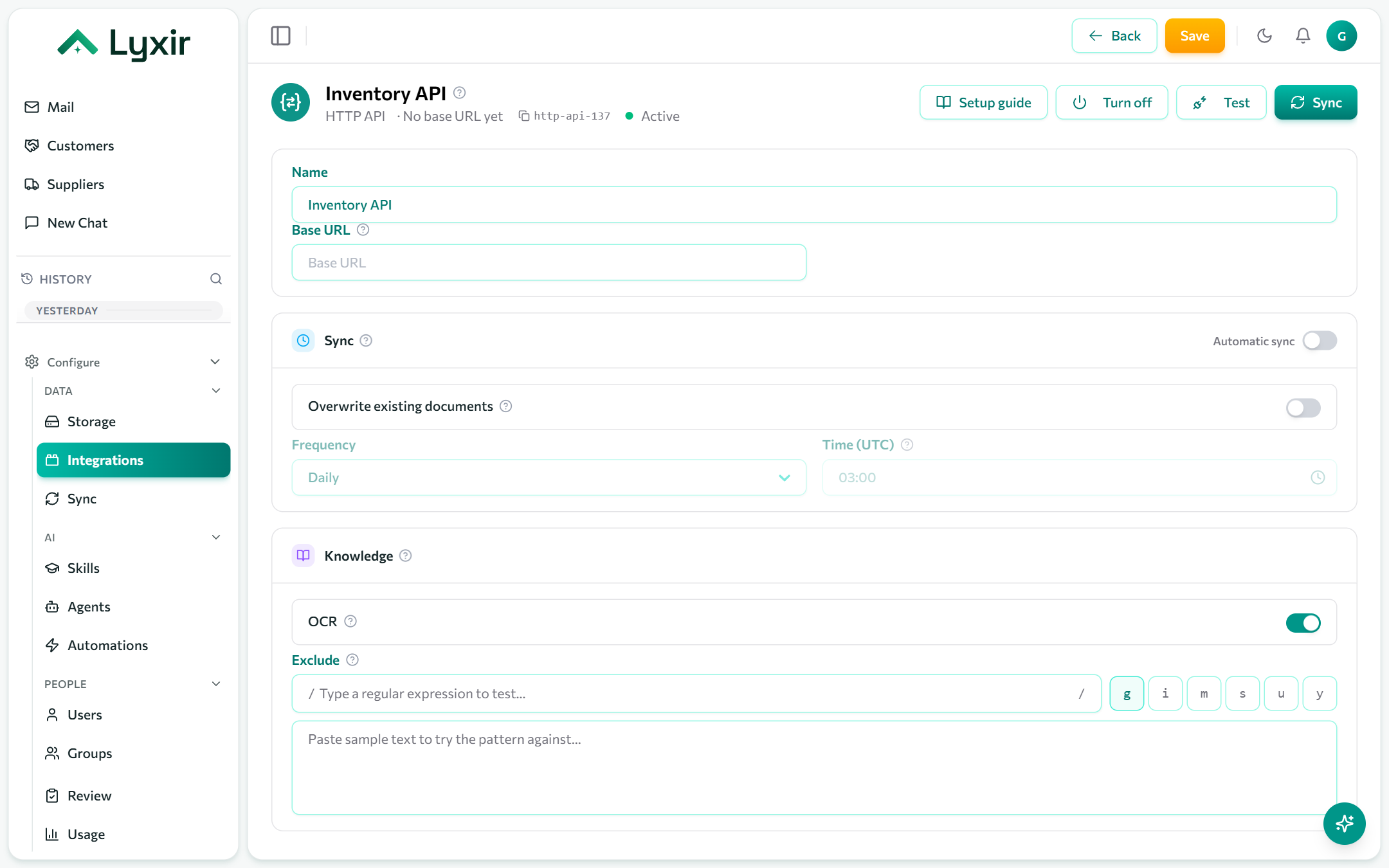
- Integrations → Add → HTTP API.
- Set the Base URL, where the API lives (
https://api.example.com/v2). Requests that give only a path are sent there. - Import the API's requests, or add them one by one:
- an OpenAPI 3 or Swagger 2 spec (file, paste, or URL),
- a Postman v2.x collection,
- a cURL command.
- Open Variables & auth for how requests sign in (bearer token,
basic, or API key) and any
{{variables}}they share. Secret values are encrypted. - Open a request and click Send (Ctrl+Enter) to try it.
Requests are sent from our servers, never your browser, and only to public addresses.
Variables
Write {{name}} anywhere in a request (URL, headers, body) to fill it in when
sent. {{baseUrl}} is the base URL. Collection variables always win over
anything an agent fills in, so an agent never sets a secret.
Give requests to agents
On a request's Agent tab:
| Offered as | What happens |
|---|---|
| Tool | A read (GET, HEAD, OPTIONS) the agent runs at once. |
| Action | Any method; it waits for a person to approve it in Review. |
Describe what the request does and its parameters: the agent fills the
request's {{placeholders}} from them. Offer all offers every request at
once (reads as tools, writes as actions). Then grant them to an agent in the
agent builder, under Tools.
Ingest records as knowledge
On a request's Knowledge tab, each record the request returns becomes a document:
- Say where the records are in the response (e.g.
data.items). - Set up paging: page number, offset, cursor, or a next-page URL.
- Map the fields: an id, a change field (such as
updated_at), the title, the content, metadata, and files (a field holding a URL or the file itself, or a separate file request). - Optionally add a detail request per record, using its fields as
{{placeholders}}.
Sync, OCR and exclusions: see Common settings.