 AADE myDATA
A business's own invoices on AADE myDATA, received and issued, for agents to search and reconcile; ΑΦΜ lookups in the AADE registry; and expense classifications proposed by agents and approved by a person.
For an accounting office handling many clients, use AADE myDATA for accounting offices.
Before you start: a myDATA API user
- Sign in to myDATA with the business's Taxisnet account.
- Open "Εγγραφή στο myDATA REST API" and create a user.
- Note its user name and the subscription key it is given.
For testing, AADE's developer portal issues keys for the test environment
(mydataapidev); they work only there.
Set it up
-
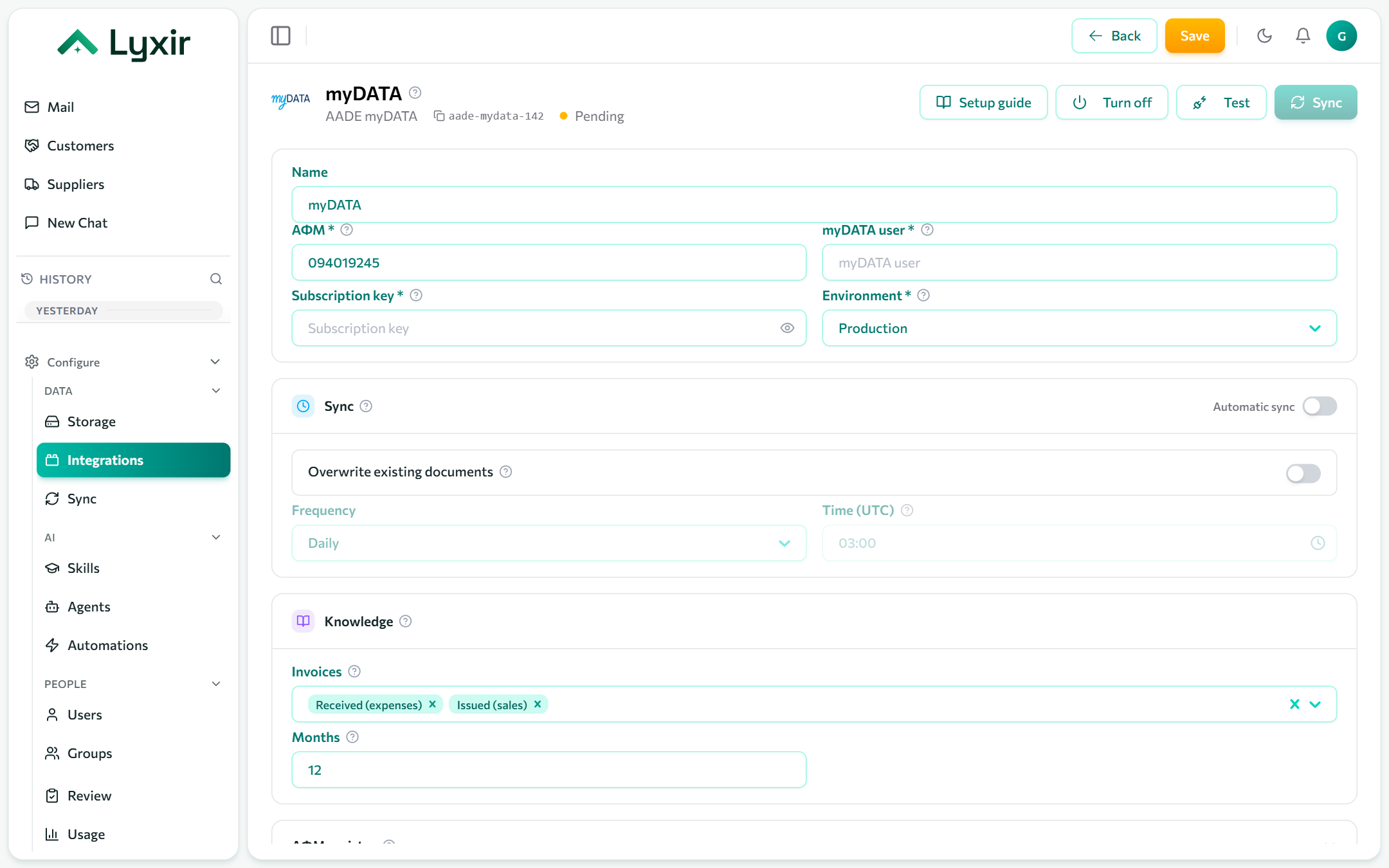
Integrations → Add → AADE myDATA.
-
Fill in:
Field What goes there ΑΦΜ The business's tax id, 9 digits. myDATA user The API user's name. Subscription key Its Ocp-Apim-Subscription-Key.Environment Production, or Test ( mydataapidev) for developer-portal keys. -
Save, then Test.
ΑΦΜ registry (optional)
With the special access codes, agents can look up any ΑΦΜ: name, ΔΟΥ, address, status and ΚΑΔ.
- In Taxisnet, open "Αναζήτηση Βασικών Στοιχείων Μητρώου Επιχειρήσεων" → "Διαχείριση Ειδικών Κωδικών".
- Sign in with the Taxisnet account and create the special codes for the RgWsPublic2 service. They are not the Taxisnet password.
- Paste them as Special access user and Special access password.
What to ingest
| Setting | What it does |
|---|---|
| Invoices | Received (expenses), issued (sales), or both. |
| Months | How far back to ingest, by issue date. At most 60. |
Sync: see Common settings.
What agents may do
| Switch | Gives agents |
|---|---|
| Classify expenses | Proposed expense classifications (E3 and VAT) of received invoices, each sent to myDATA once a person approves it. |