 Microsoft Outlook
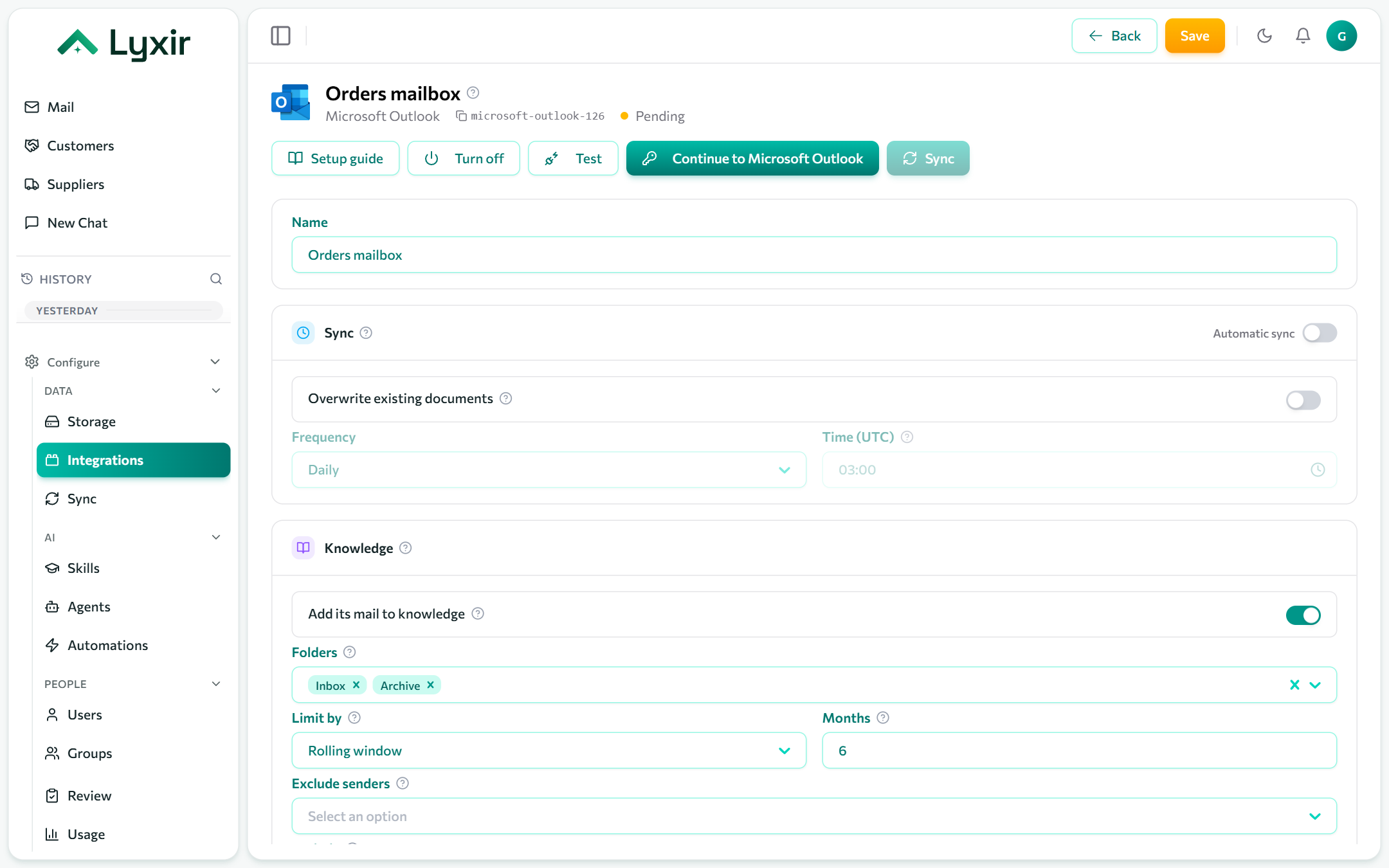
Bring a Microsoft 365 mailbox into Mail and the knowledge base, and give agents its mail and calendar: search and read, send, reply and schedule.
For a personal Outlook.com or Hotmail account, use Microsoft Outlook (personal).
Connect with Microsoft
- Integrations → Add → Microsoft Outlook.
- Click Connect with Microsoft and sign in as the mailbox's user.
- Approve the access Microsoft asks for. If your organisation requires admin approval for apps, an admin approves it once for everyone.
- Choose the mail settings below and Save.
Or: your own app registration
For an admin connecting any mailbox of the organisation without anyone signing in, through your own Entra app with application permissions.
-
Microsoft Entra admin center → App registrations → New registration. Single tenant is fine; no redirect URI.
-
API permissions → Add a permission → Microsoft Graph → Application permissions:
Mail.Read,Mail.Send,Calendars.ReadWrite. Then Grant admin consent. -
Certificates & secrets → New client secret. Copy its Value at once: Entra shows it only when it is created.
-
On the connection, open Your own app registration and fill in:
Field Where to find it Directory (tenant) id The app's Overview page: Directory (tenant) ID. Application (client) id The app's Overview page: Application (client) ID. Client secret The secret's Value (not its Secret ID). Mailbox The user whose mail and calendar are used, e.g. anna@contoso.com. -
Save, then Test.
:::caution Client secrets expire When the secret expires the connection fails its sync. Make a new secret and paste it on the connection. :::
:::tip Limit which mailboxes the app can read Application permissions reach every mailbox in the organisation. An Exchange application access policy restricts the app to the mailboxes you name. :::
Mail and knowledge
Show in Mail, classes, folders (top-level folders by name; Inbox and Archive by default), how far back to read, readers and attachments: see Mailboxes.
What agents may do
| Switch | Gives agents |
|---|---|
| Agents may read mail and calendar | Tools to search and read the mailbox, list its events and check availability. Anyone using an agent given these tools reads this mailbox. |
| Agents may send email | Proposed emails and replies, each sent once a person approves it. |
| Agents may create events | Proposed calendar events (with a Teams link), each created once a person approves it. |