 Microsoft Outlook (personal)
Bring a personal Outlook.com or Hotmail mailbox into Mail and the knowledge base, and give agents its mail and calendar: search and read, send, reply and schedule.
For a Microsoft 365 work mailbox, use Microsoft Outlook.
Connect
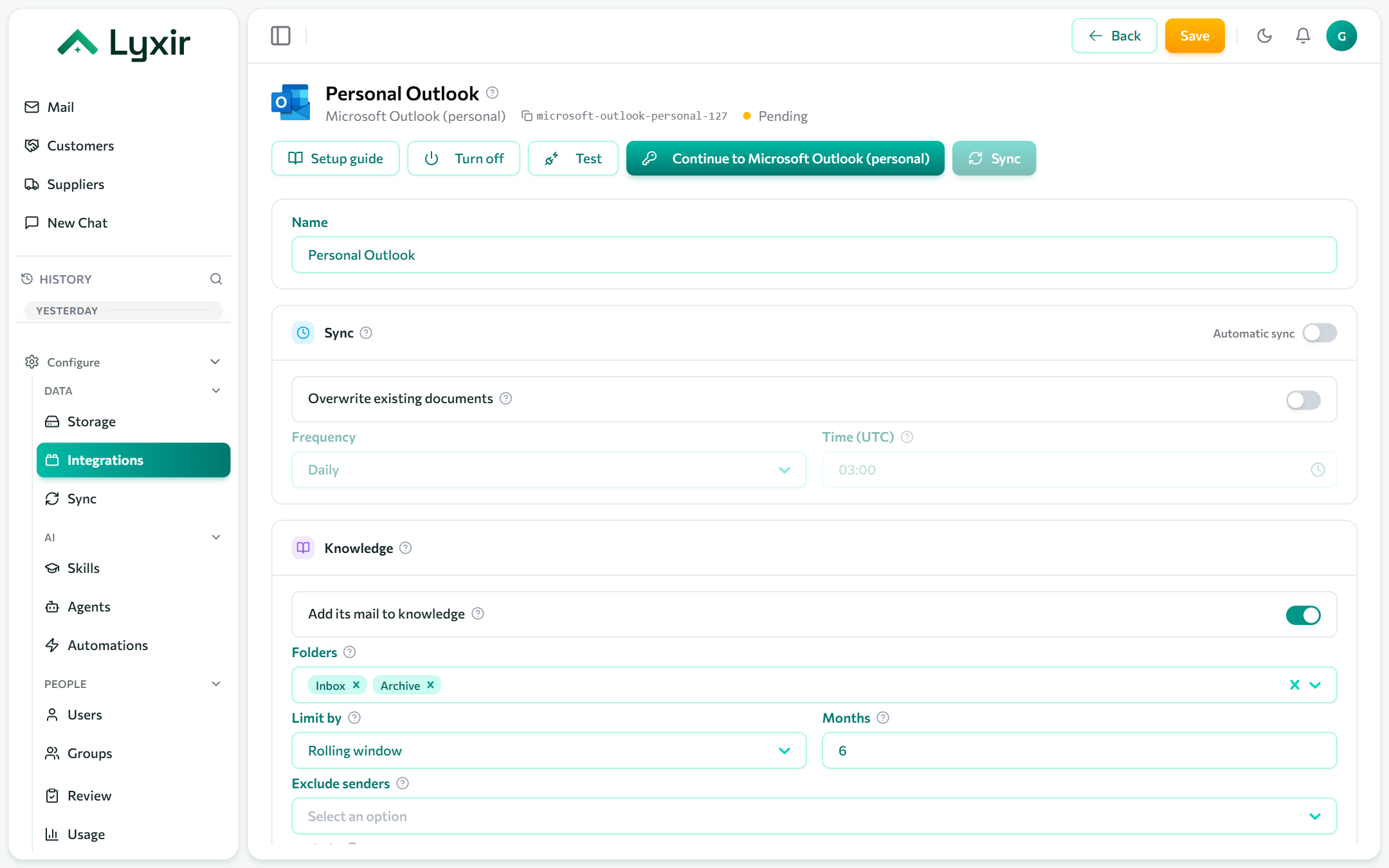
- Integrations → Add → Microsoft Outlook (personal).
- Click Connect with Microsoft and sign in with the personal account.
- Approve the access Microsoft asks for. You come back to the connection.
- Choose the mail settings below and Save.
Mail and knowledge
Show in Mail, classes, folders (top-level folders by name; Inbox and Archive by default), how far back to read, readers and attachments: see Mailboxes.
What agents may do
| Switch | Gives agents |
|---|---|
| Agents may read mail and calendar | Tools to search and read the mailbox and list its events. Anyone using an agent given these tools reads this mailbox. |
| Agents may send email | Proposed emails and replies, each sent once a person approves it. |
| Agents may create events | Proposed calendar events, each created once a person approves it. |